
E-book reader for Apple TV
Your books, on the biggest screen in the house.
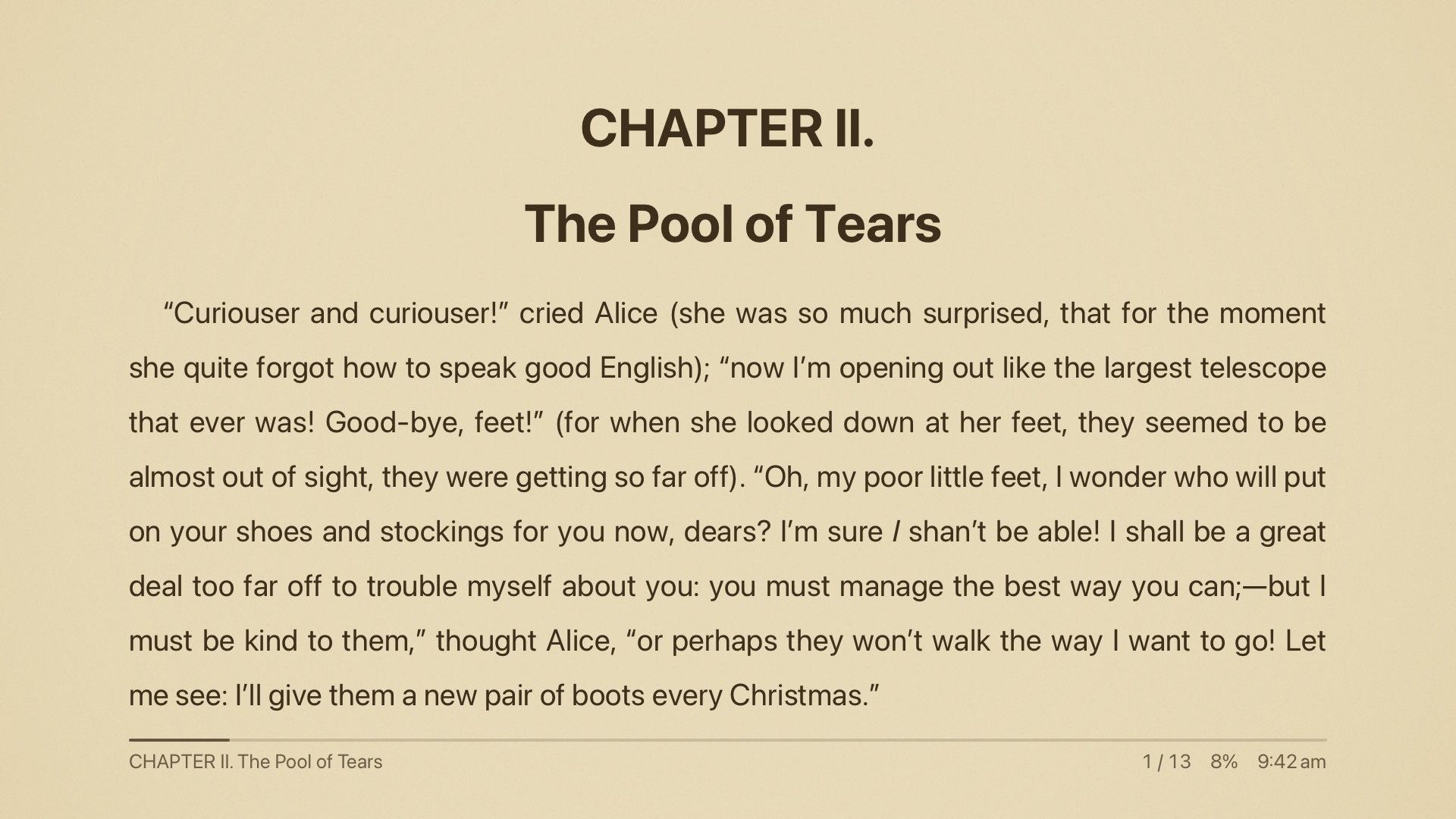
TV Reader turns Apple TV into a calm place to read. Bring your own EPUB, MOBI, AZW3, TXT and FB2 books, turn pages with the Siri Remote, and pick up where you left off on any Apple TV.
Free to start · Requires tvOS 17 or later
Your library
Every book you own, one click away.
Covers, progress and formats at a glance, laid out for the remote. Tens of thousands of free classics from Project Gutenberg are a search away.
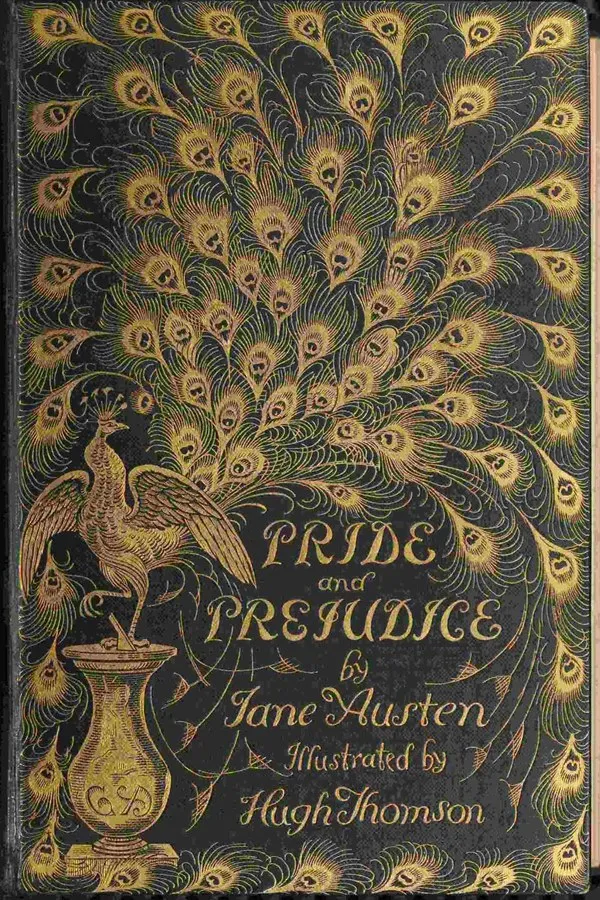
Pride and Prejudice
Jane AustenEPUB
62% read
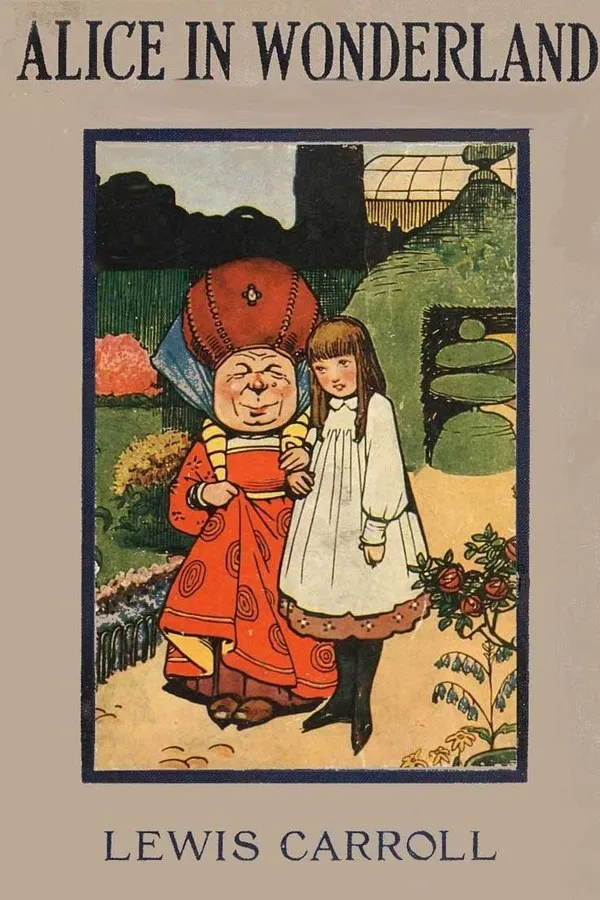
Alice’s Adventures in Wonderland
Lewis CarrollEPUB
8% read
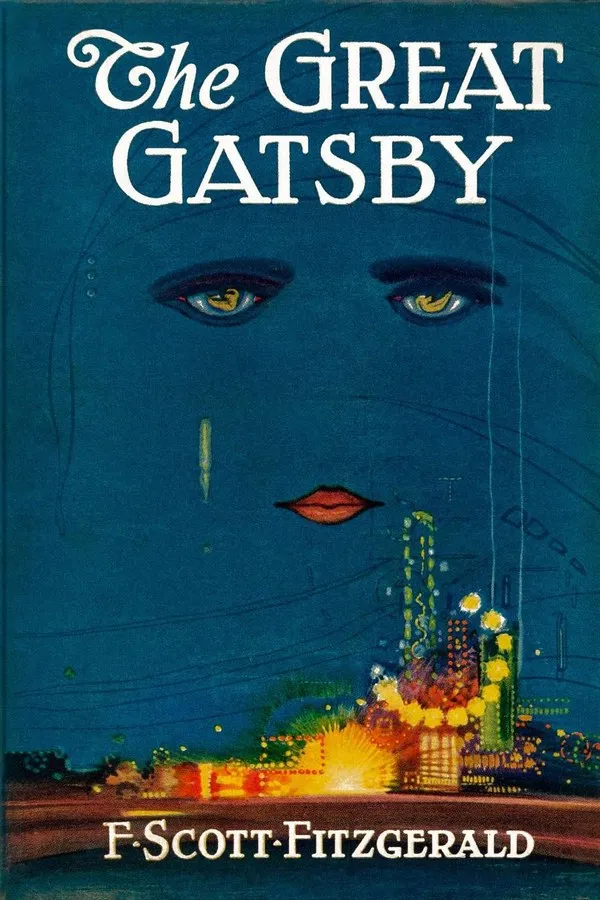
The Great Gatsby
F. Scott FitzgeraldAZW3
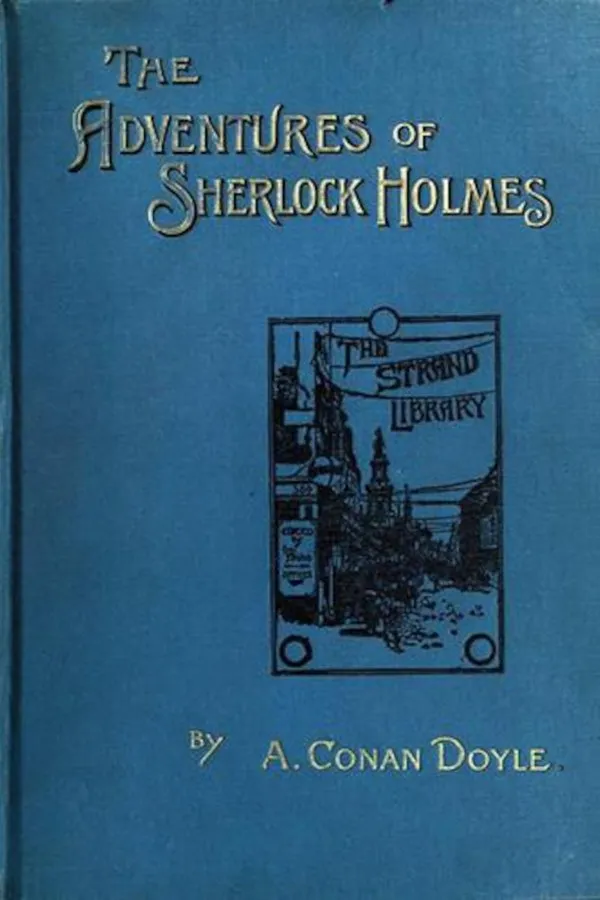
The Adventures of Sherlock Holmes
Arthur Conan DoyleMOBI
35% read
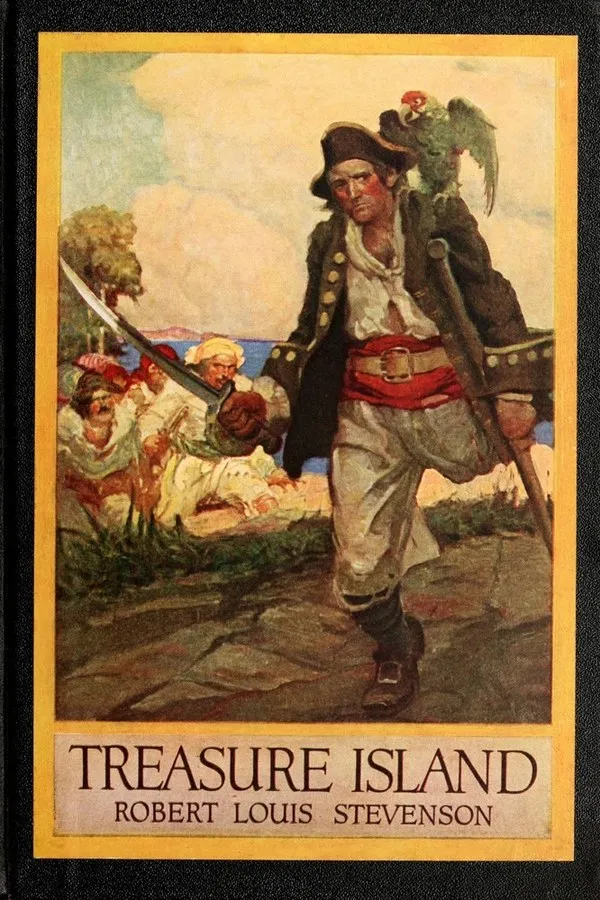
Treasure Island
Robert Louis StevensonEPUB
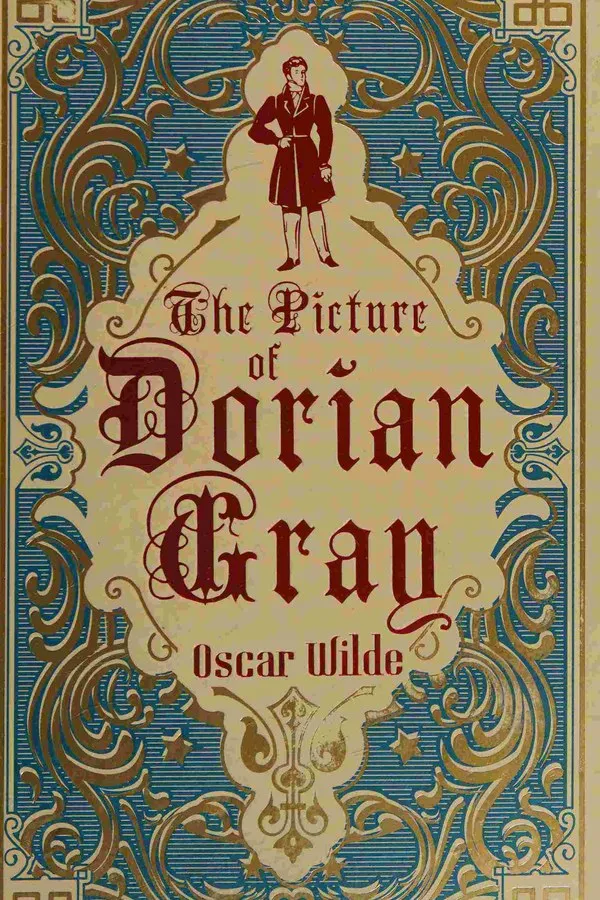
The Picture of Dorian Gray
Oscar WildeEPUB
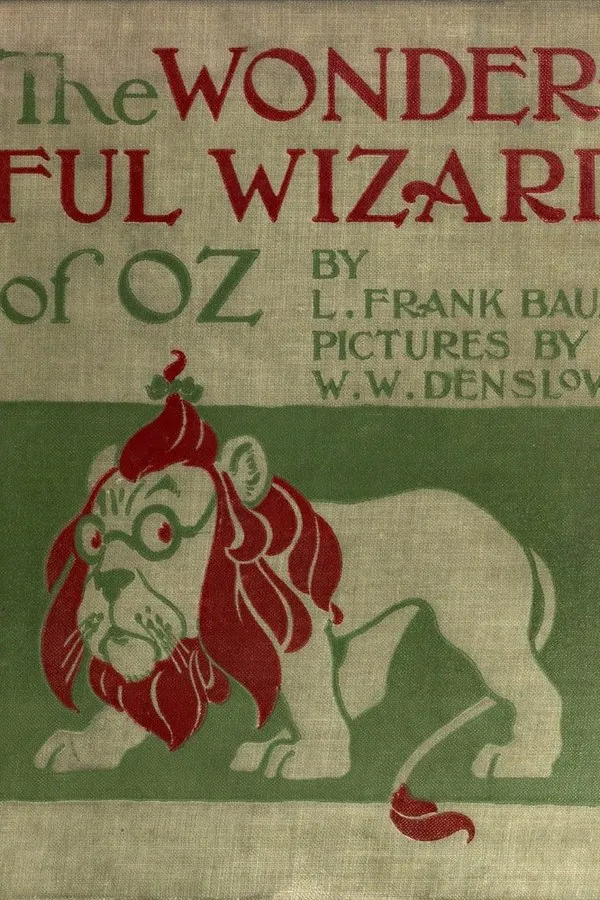
The Wonderful Wizard of Oz
L. Frank BaumFB2
91% read
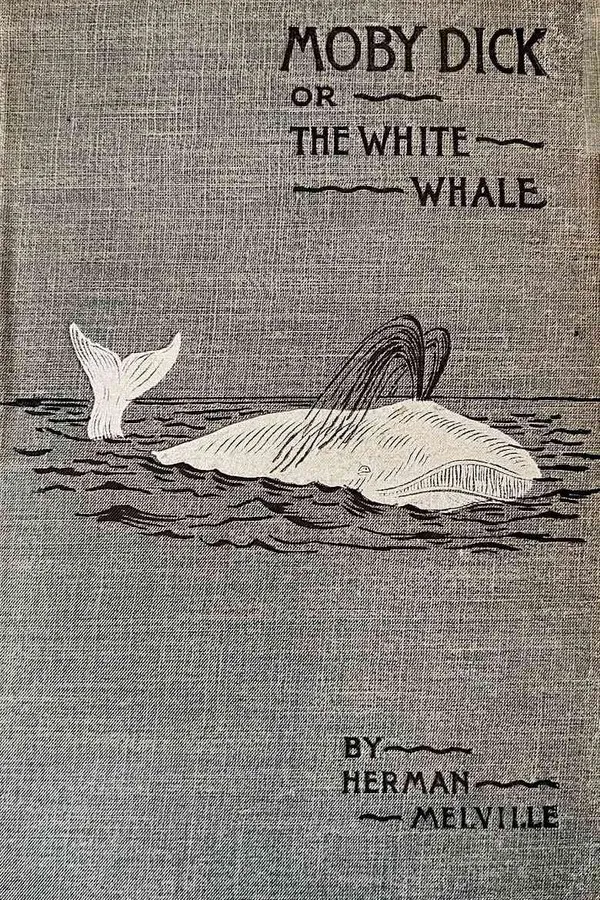
Moby Dick
Herman MelvilleEPUB
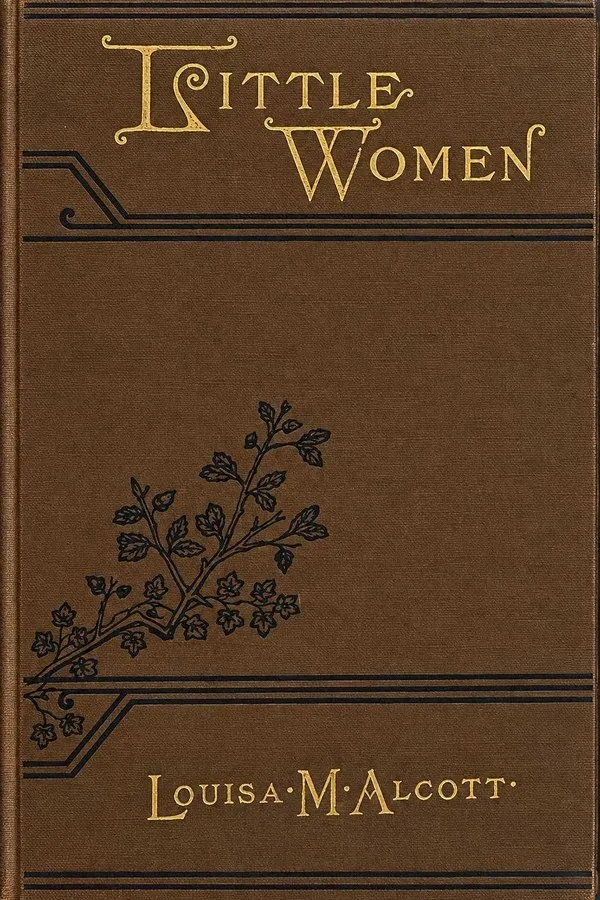
Little Women
Louisa May AlcottAZW3
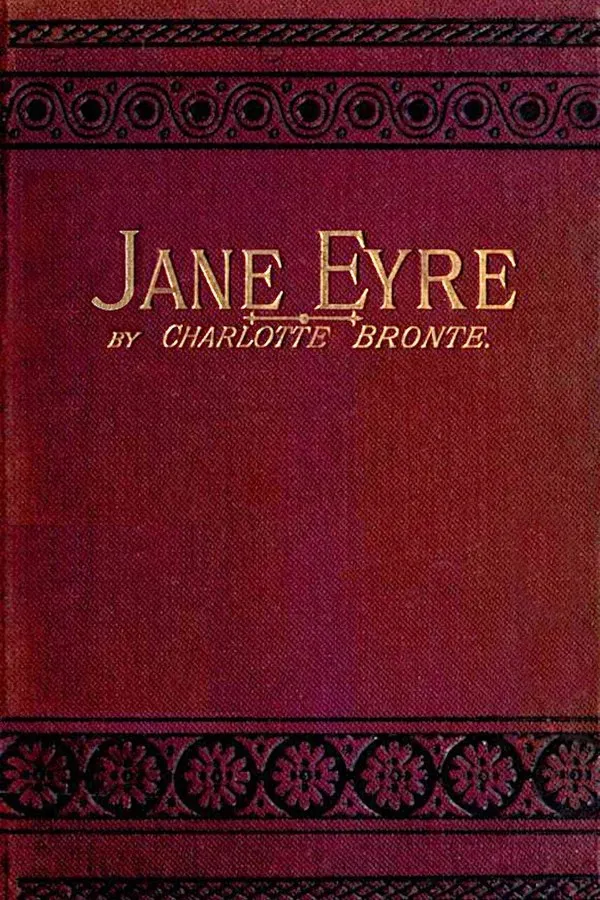
Jane Eyre
Charlotte BrontëEPUB
17% read
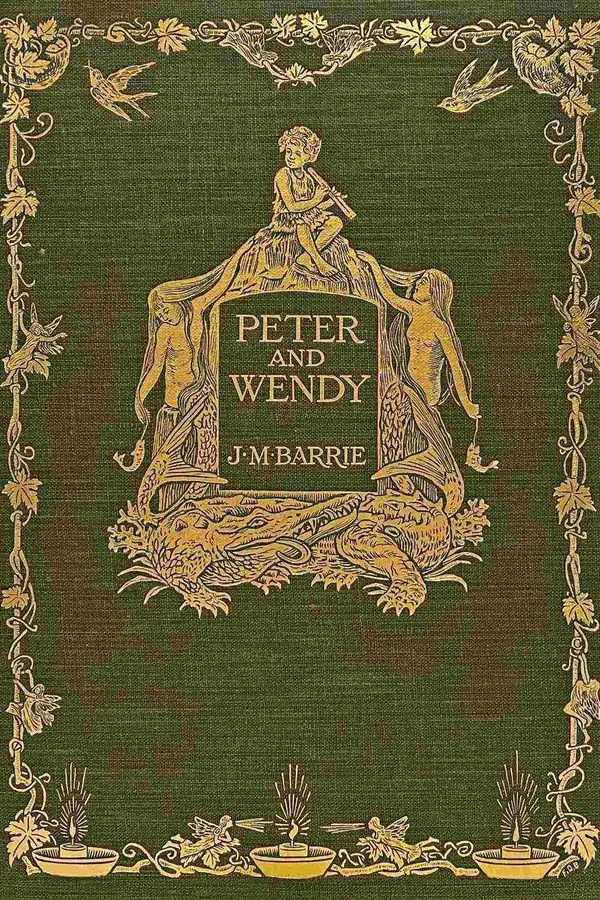
Peter Pan
J. M. BarrieMOBI
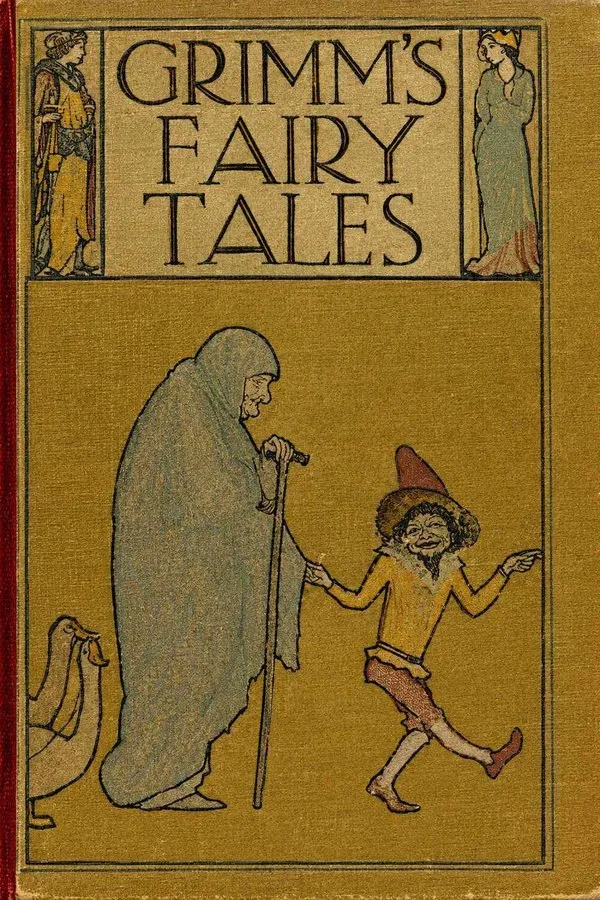
Grimms’ Fairy Tales
Brothers GrimmEPUB
Made for the remote
Turn the page the way you like.
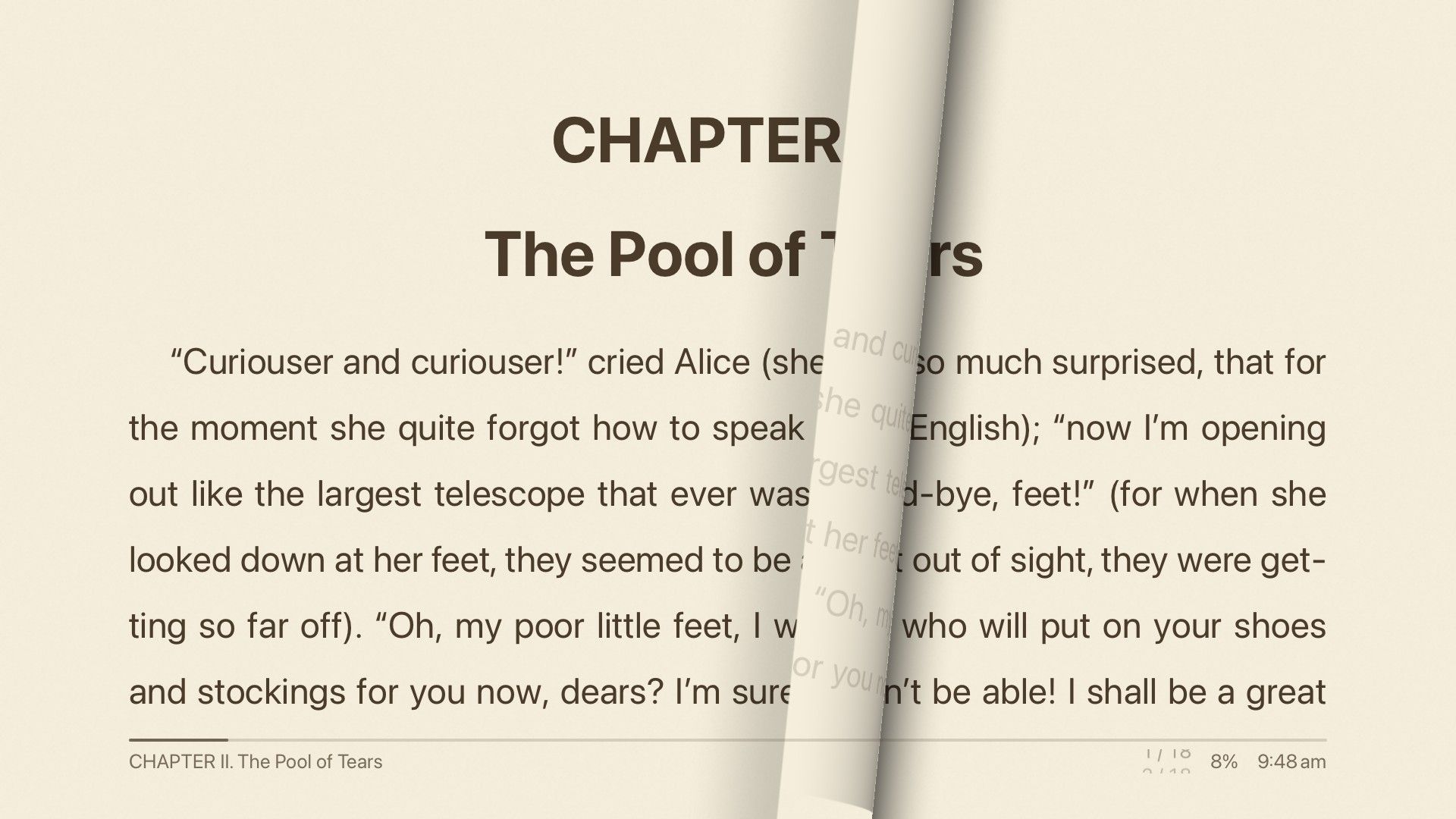
Swipe, click or hold to turn pages. Highlight word by word with any remote, even a learned infrared one. Keyboards and game controllers work too.
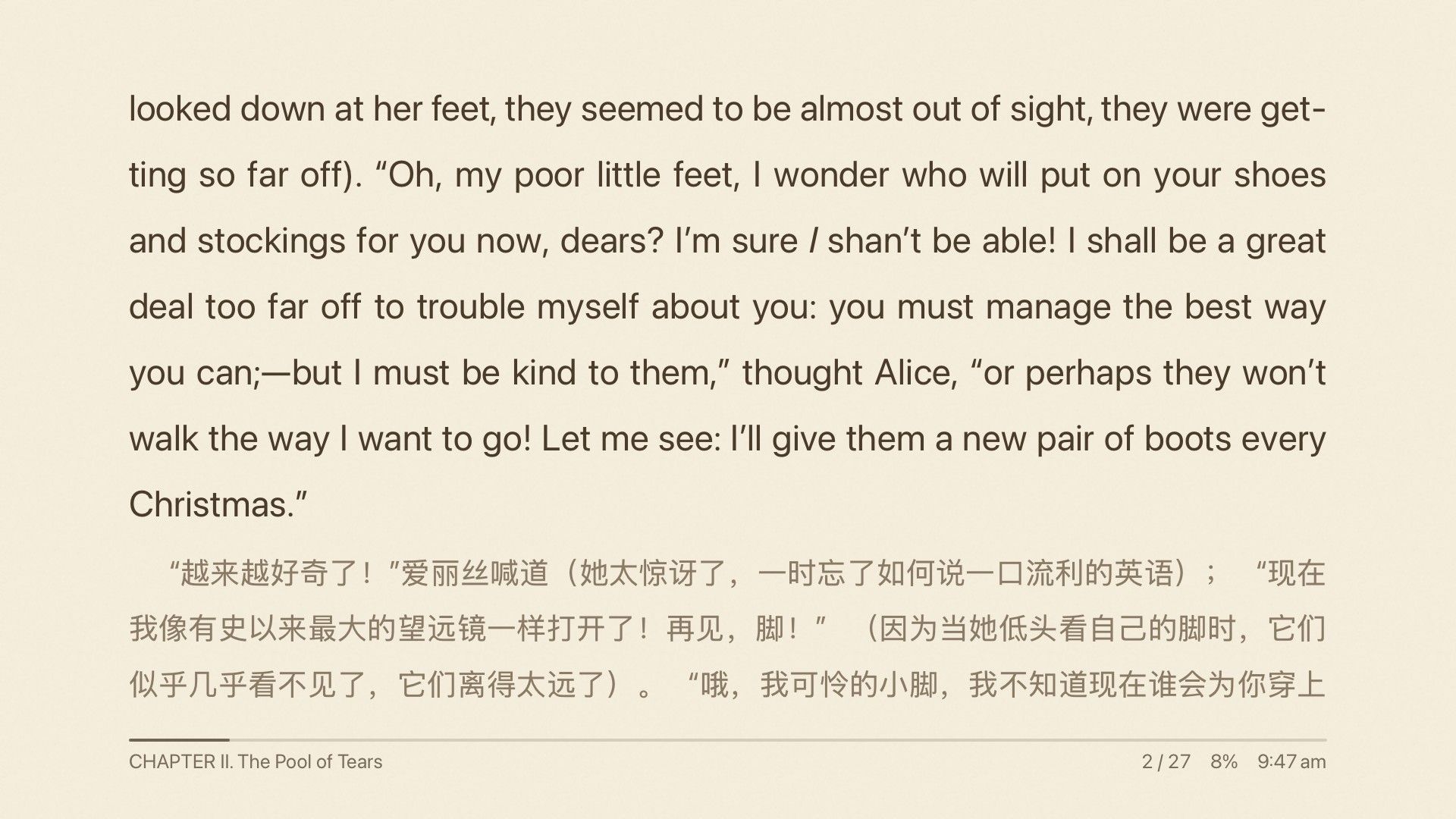
Bilingual reading
Read in two languages at once.
Turn on bilingual reading and a translation appears under every paragraph. Use Google Translate, DeepL, Microsoft, OpenAI, Claude or your own server, or translate a whole book for free on iPhone with Apple’s on-device translation.
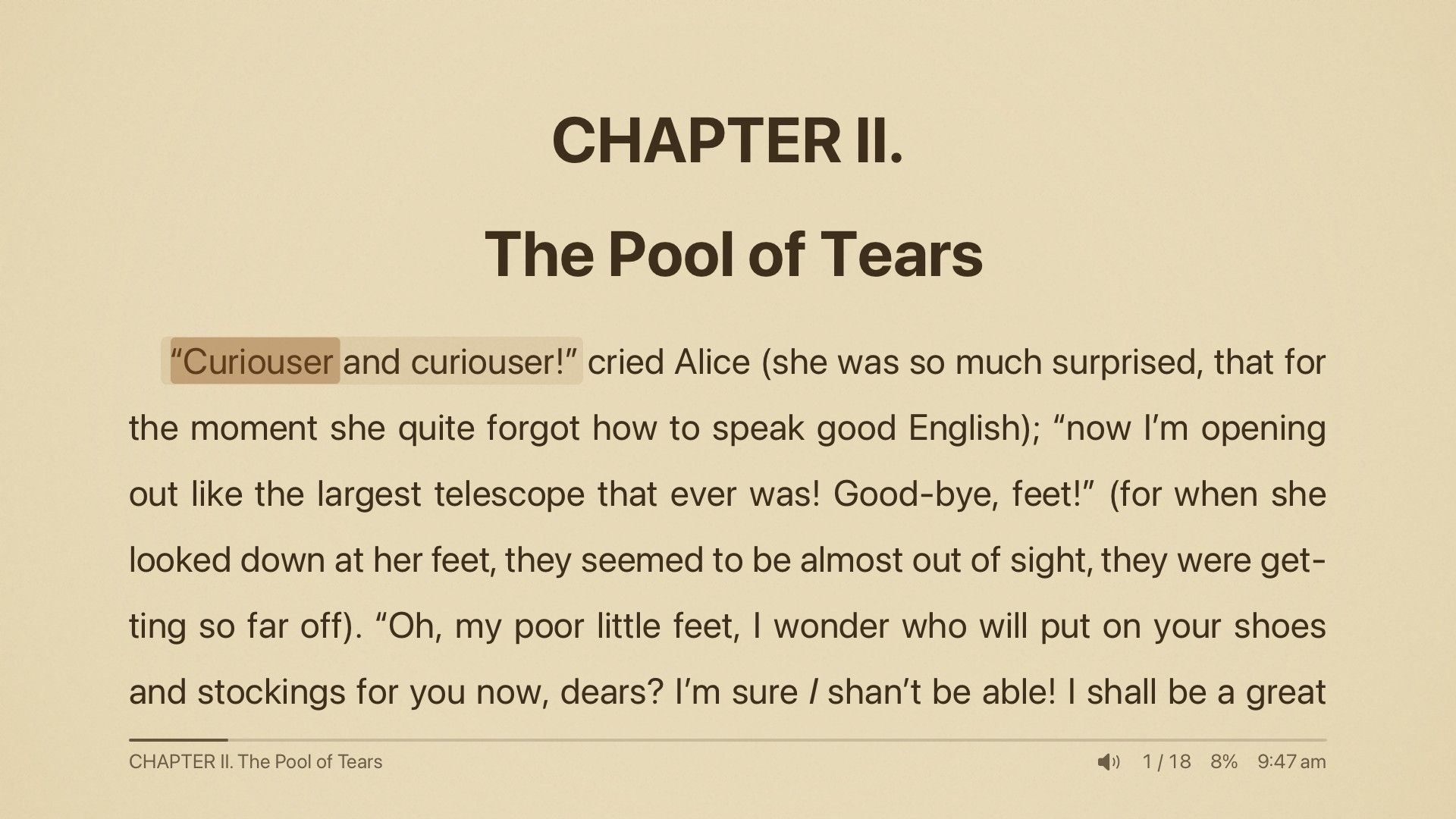
Read aloud
Sit back and listen.
Read Aloud follows the text sentence by sentence and word by word, and turns the page for you. Choose a Siri voice, an enhanced voice or your own Personal Voice, and set the speed, pitch and pauses.
Sixteen themes
A page for every room.
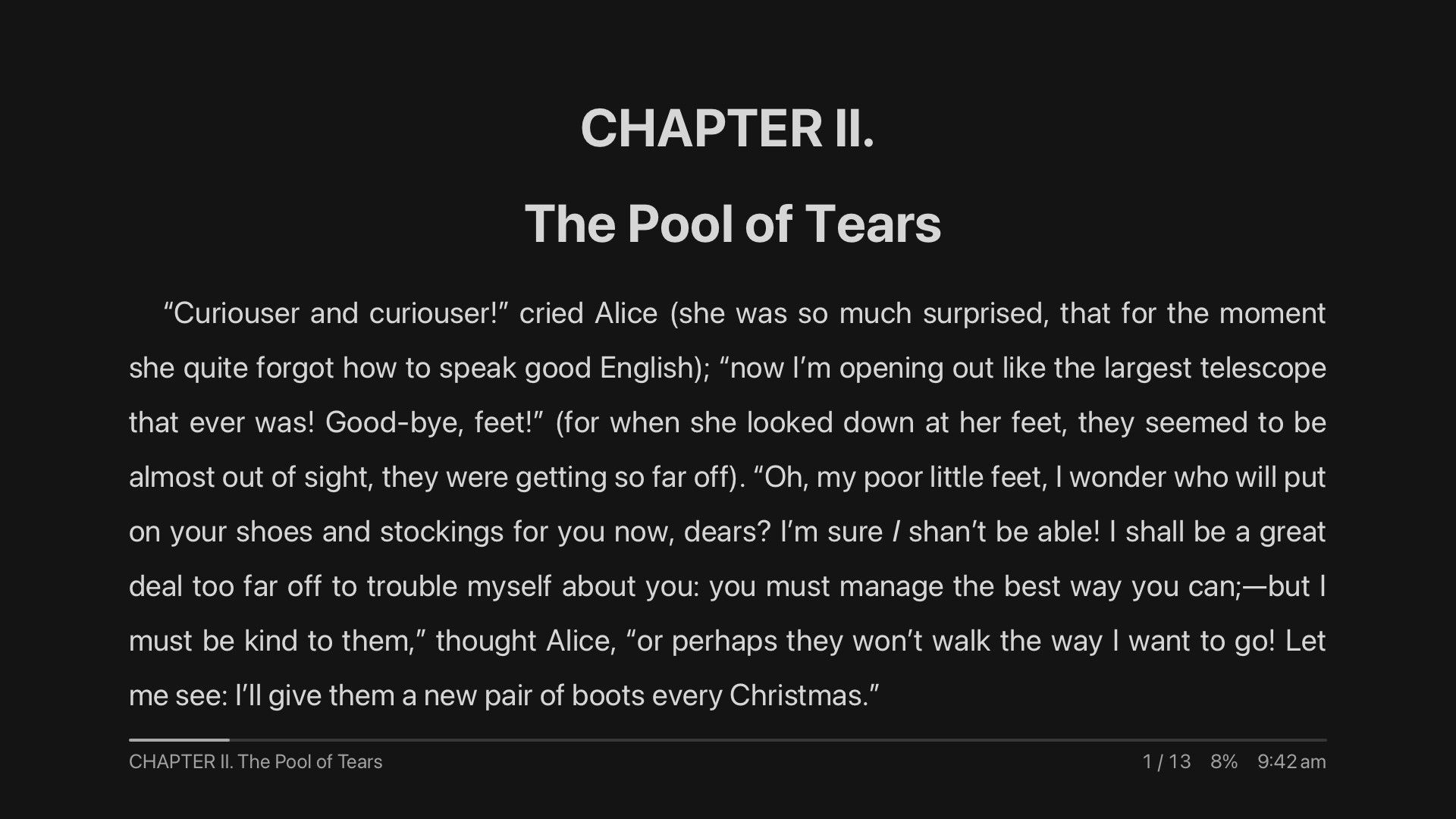
From Paper and Parchment to Night and pure Black, with adjustable type, spacing, margins and columns. Parchment even has its own paper grain.
- AaPaper
- AaSepia
- AaParchment
- AaEye Care Green
- AaSky
- AaNight
- AaDark Paper
- AaBlack
And everything else
Thoughtful down to the last page.
Highlights and notes
Highlight in colour, add notes and bookmarks, and find them all in Contents.
iCloud sync
Your library, progress and highlights follow you to every Apple TV and to the iPhone app.
Send from iPhone
Share a book from any iPhone app with “Send to TV”. It arrives in seconds over your home network.
Upload over Wi‑Fi
Drop books onto a web page from any computer on the same Wi‑Fi.
Project Gutenberg
Search and download free public-domain books, Chinese classics included.
Automatic page turns
Hands-free reading: turn pages on a timer or at your reading speed.
34 languages
The app speaks your language, from English and 中文 to Čeština and ไทย.
Private by design
No account, no ads, no tracking. Your books live in your own iCloud.
Pricing
Start free. Unlock when you’re hooked.
Every reading feature is free. TV Reader Pro removes the one-book limit.
Free
$0
- One book of your own at a time
- Sample books, always free
- Every reading feature
- Most flexible
Yearly
$29.99per year
- Unlimited books
- Every Apple TV on your Apple Account
- Cancel at any time
Lifetime
$79.99one-off
- Unlimited books, for good
- Every Apple TV on your Apple Account
Prices in US dollars; the App Store shows the price for your country. Purchases are made on Apple TV.
Questions
Good to know
Which Apple TV do I need?
Any Apple TV running tvOS 17 or later. To send books from your phone, install the free TV Reader Sync app on an iPhone or iPad with iOS 17 or later.
Which formats can it open?
EPUB, MOBI, AZW, AZW3 (KF8), PRC, TXT and FB2. PDF isn’t supported yet. Books need to be DRM-free, so titles bought in the Kindle or Apple Books stores can’t be opened.
How do I get books onto my Apple TV?
Share a file from your iPhone with “Send to TV”, upload from a computer with “Upload over Wi‑Fi”, download from a link, or pick a free classic from Project Gutenberg, all from the Add Books tab.
What happens if my subscription ends?
Nothing is deleted. You keep reading the book you read most recently; the others stay in your library with their progress and highlights, and open again when you subscribe or buy Lifetime.
Is my reading private?
We don’t run servers for TV Reader and collect nothing about you. Translation sends text only to the service you choose.
Your books, on the biggest screen in the house.